October 16, 2026
How to Sell on Buynsell

Introduction
You do not need a shop website to sell on Buynsell. You need an account, a phone number, and a listing that tells the truth about the item. The sale still ends the way it does in Kampala: the buyer looks at the thing, then pays you.
This is the order that works. If you want the wider method, start with how to sell online in Uganda. If you want the reasons this marketplace fits a vendor, read why sell on Buynsell.
Create a Buynsell account
Sign up with your email or your phone. Use your real name, or the name your shop already trades under. Add a profile photo that is actually you, or actually the shopfront. Buyers message people they can picture.
Before you can publish, Buynsell asks you to add and confirm your phone number. Do that first. A listing with no way to reach the seller is not a listing. Create the account and confirm the number before you photograph the stock.
Post a listing buyers can search
Open the posting form. Each ad is one item, or one clear offer. A phone. A sofa. A Harrier. A room in Kyanja. Mixing three things into one ad makes the search useless, and it makes the chat a mess.
The form will not publish until these are filled:
- A title of at least a few words. Write what a buyer would type. "Samsung Galaxy A15 128GB, used" beats "nice phone."
- A category and a subcategory, so the ad sits where people browse.
- At least one photo. Daylight, the real item, the damage included.
- A description long enough to answer the obvious questions: brand, condition, what is included, what is worn.
- A price in Uganda shillings.
- A full location: region, district, and area. "Kampala" on its own is not enough. Nakawa, Ntinda, Nansana, Kira, Jinja: pick the place they would actually come to.
The form will let you hide the price and say "contact for price." Leave that alone. Buyers filter by price. A hidden number removes you from the search you wanted to be in. If you expect to negotiate, put a real figure and mark it negotiable.
New, used, or refurbished. Say which. If you are not sure which word fits, describe the condition in the first two lines instead of picking the flattering one.
Check the ad the way a buyer will
Before you hit publish, look at the first photo and the title only. Would you open it? Does the price make sense next to similar ads already on Buynsell? Does the location tell someone whether the trip is worth it?
You can edit the title, the photos, the price, and the description after it is live. If the first version is thin, fix it. Do not wait for a week of silence to decide the photo was too dark. Why the ad has views and no buyers is the checklist if it still sits quiet.
Answer buyers on the listing
Buyers message you in the Buynsell chat, on that ad. Stay there. If you drag every conversation onto a personal WhatsApp number, you are back to a pile of chats with no item attached.
Reply the same day. Phone buyers and car buyers message more than one seller. The first clear answer usually gets the meetup.
Your profile sits next to the chat. Reviews accumulate from completed deals. Verifying your phone, and your ID if you choose to, gives the buyer something to trust before they travel. Verification is a badge, not a guarantee. It still helps.
Meet, inspect, and get paid
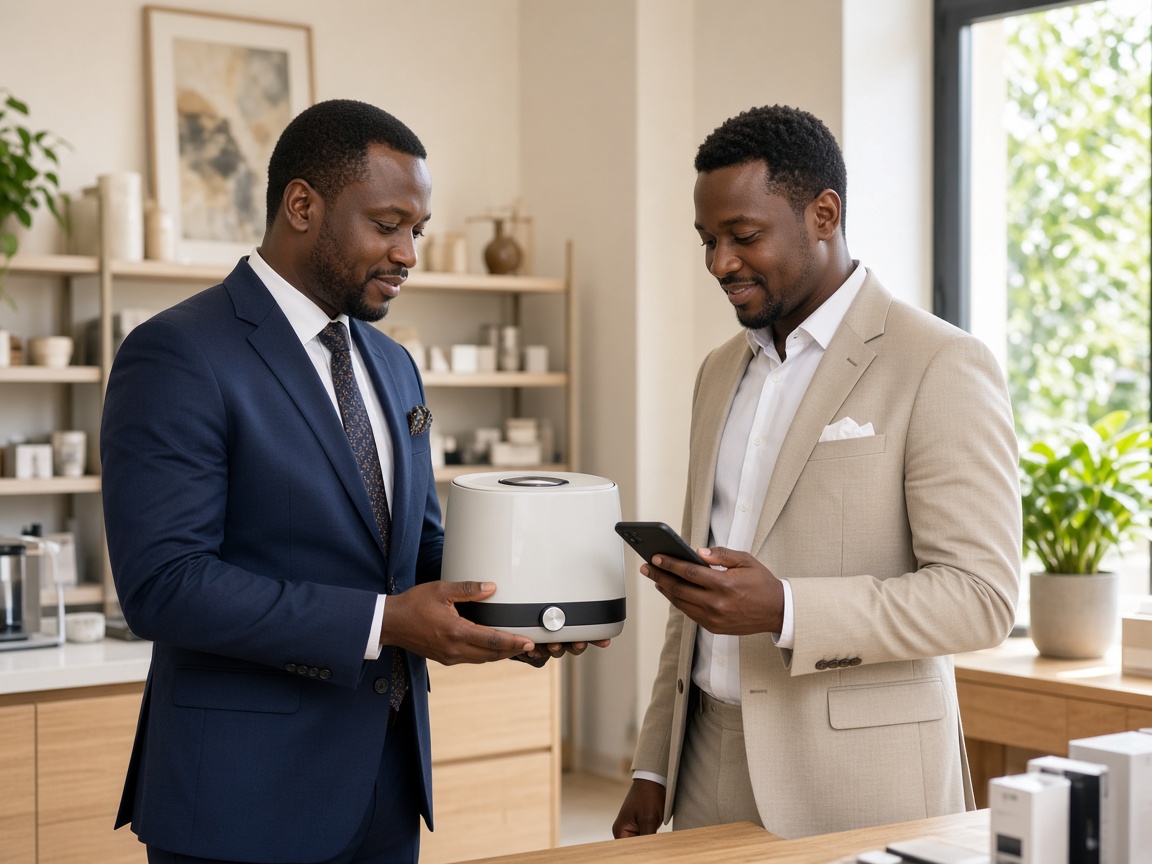
Buynsell does not hold the money. Agree the place in the chat. Meet somewhere busy: your shop, a mall, a fuel station with people around. Bring the item in the photos, not a cousin of the item in the photos.
They look. They test. Then they pay. Cash, MTN MoMo, or Airtel Money. If it is mobile money, open your own app and confirm the balance moved. A screenshot is not payment. Do not share a PIN, an OTP, or a reversal code. Buynsell will not ask you for those.
Hand the item over after the money is confirmed. If they want delivery before payment, or a brother who will pay tomorrow, leave it. Safety for classifieds meetups is short and worth reading once.
When the item sells, take the ad down. The next buyer should not travel for something that already left.
What it costs to sell on Buynsell
Buynsell is free to start. You get about 50 listings before you ever need to pay. Use them on real stock. Fifty clear ads will teach you what sells. Five vague ones will not. When you need more room than that, paid plans are there. You do not need one to post the first item today.
Frequently asked questions
How do I sell on Buynsell?
Create an account, confirm your phone, and post one listing per item with photos, a UGX price, and a real area. Buyers search, message you on that ad, inspect the item, and pay you in cash or mobile money.
Is Buynsell free for sellers?
Yes. You can start free, with about 50 listings before you need to pay. Paid plans exist when the shop outgrows that allowance.
Do I need to verify my phone to post a listing?
Yes. Confirm the number before you publish. Buyers need a way to reach a real seller, and the listing will not go live without it.
How do I get paid on Buynsell?
Buynsell does not hold the money. Meet in public, let the buyer inspect the item, then confirm cash or MTN MoMo or Airtel Money in your own account before you release it.
Blog


